Maestro
v5266
iOS Instructions
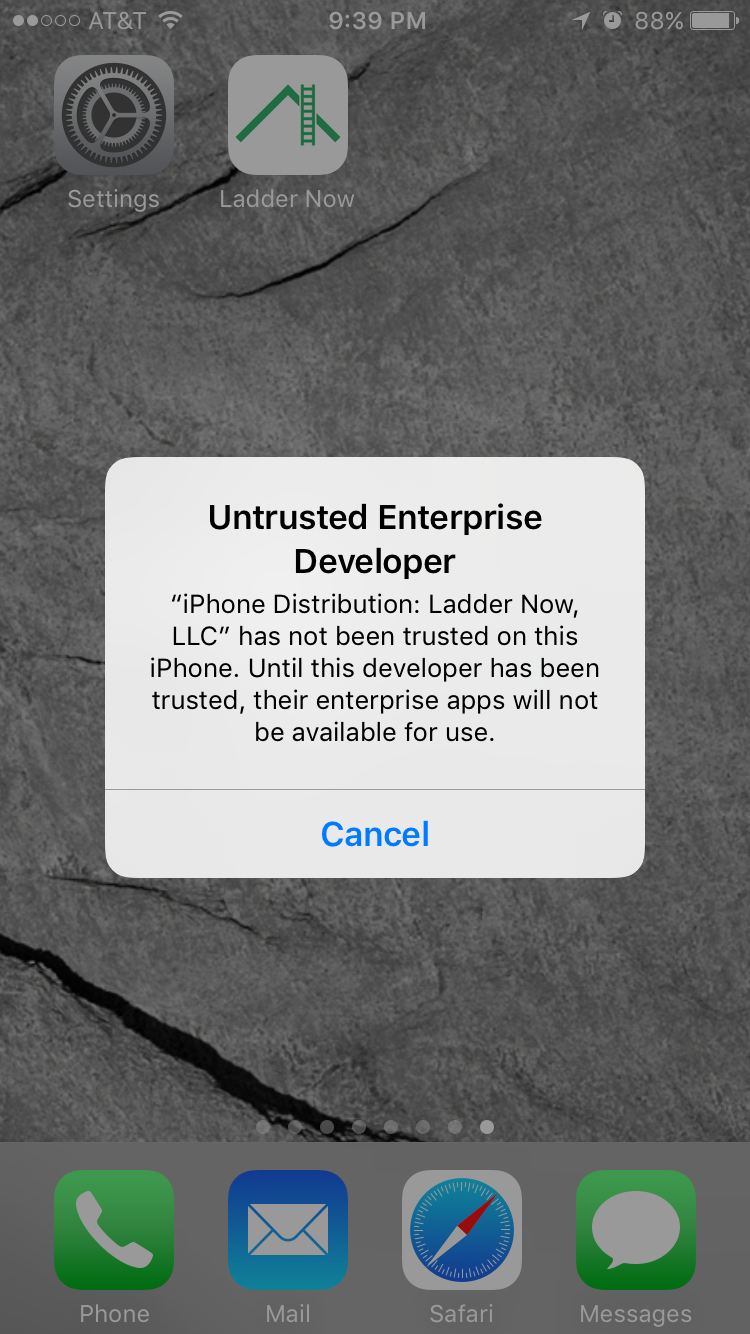
If you see this warning when you launch the app follow these instructions:
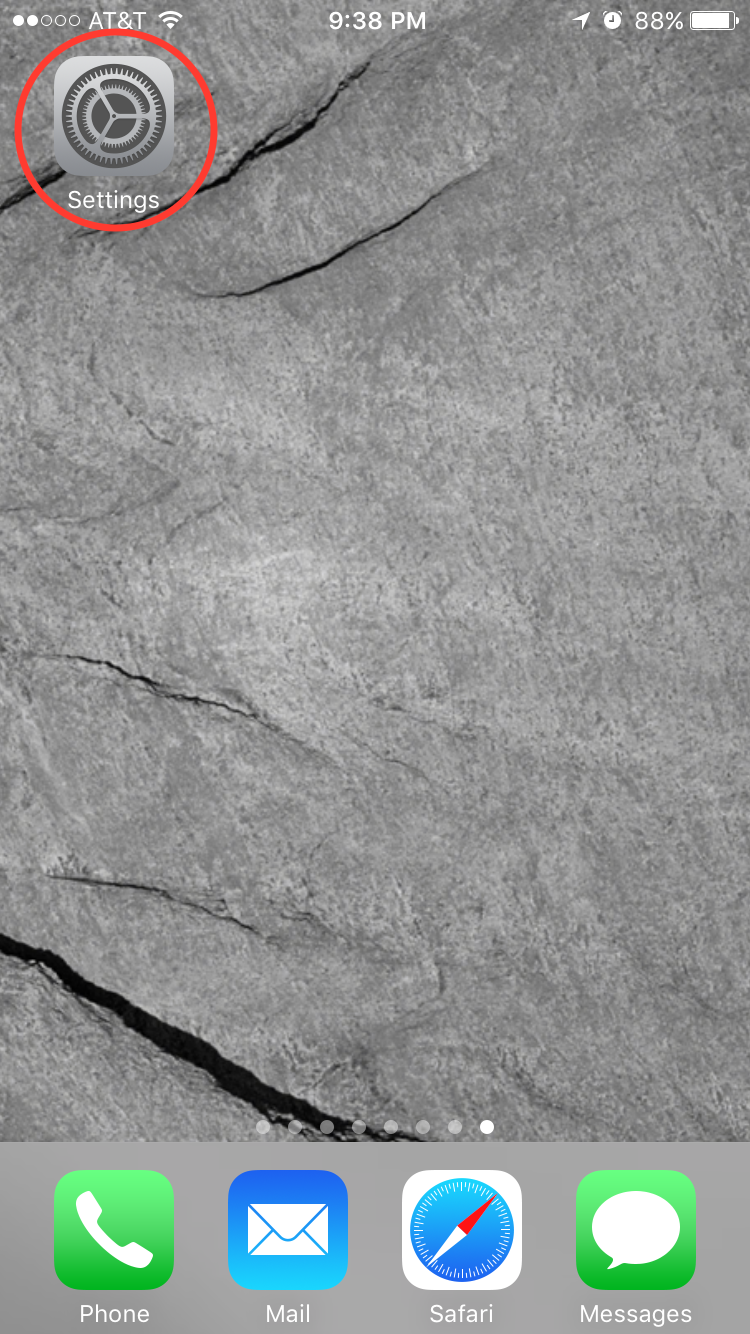
Launch Settings from your home screen
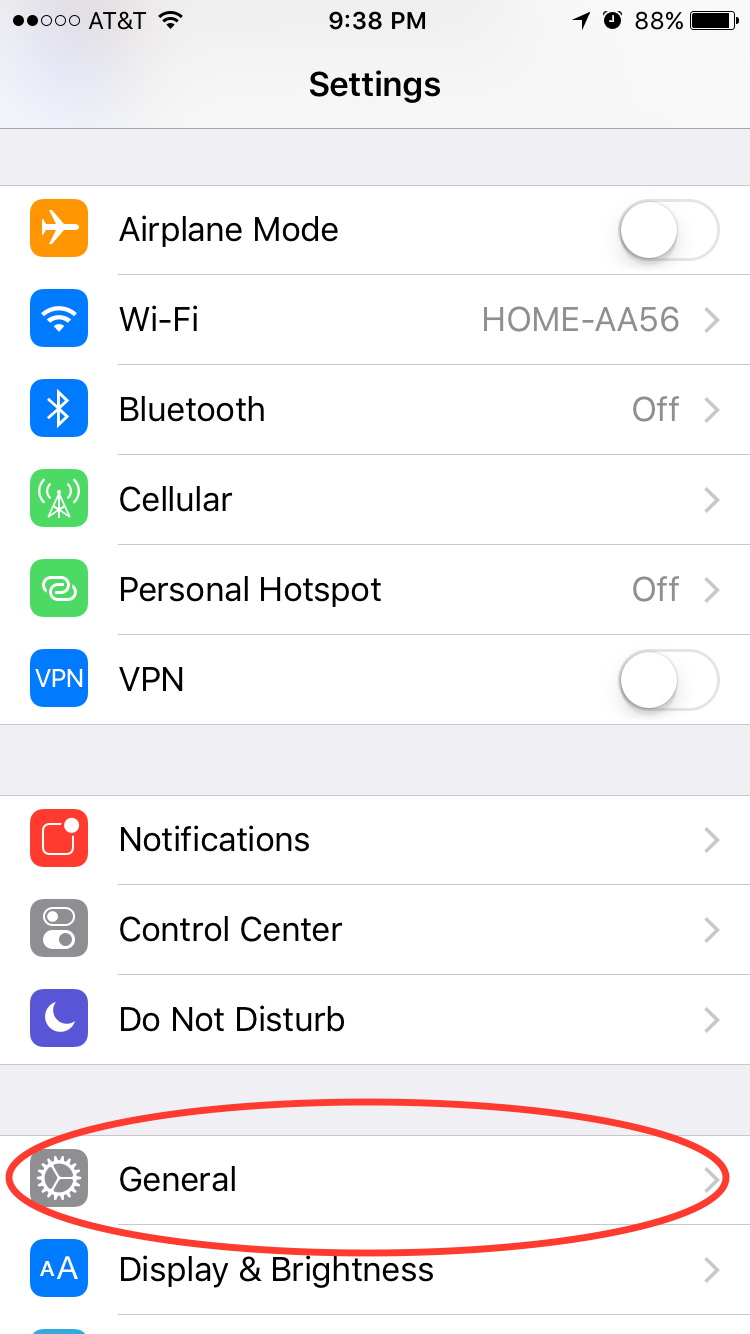
Tap General
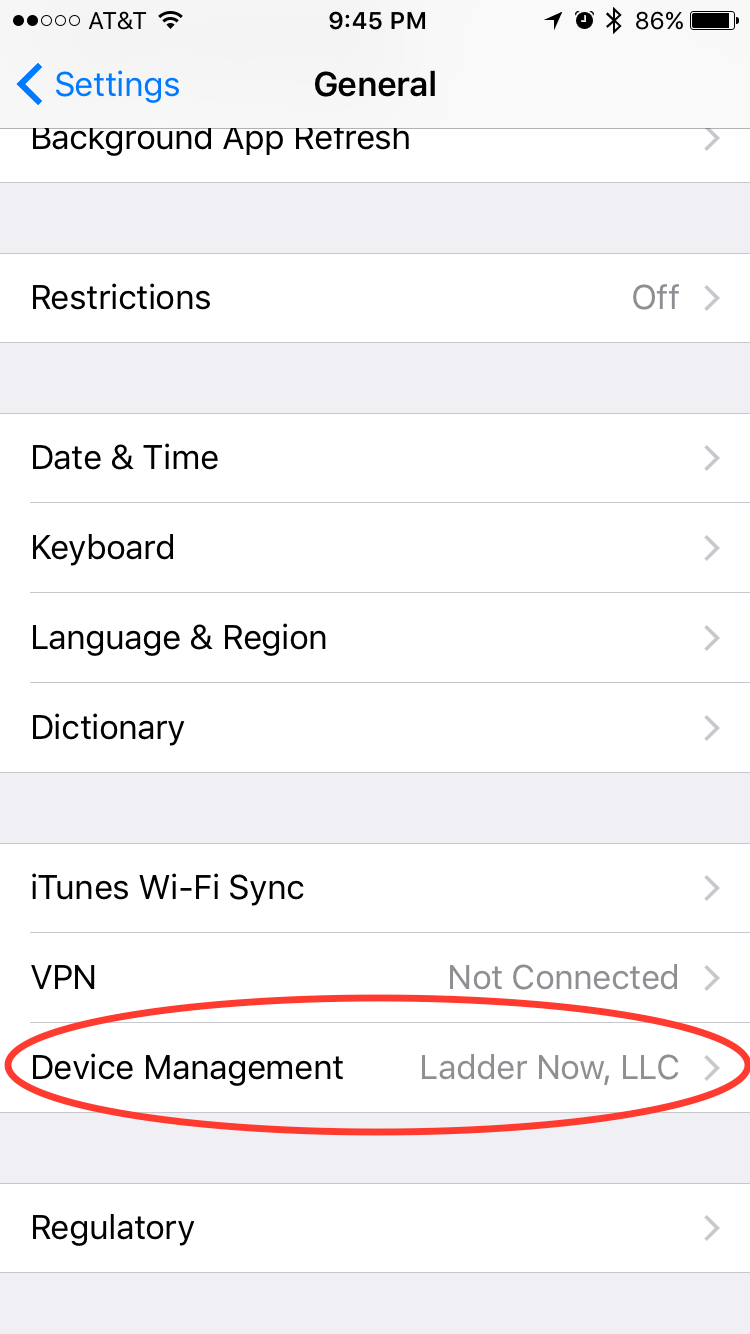
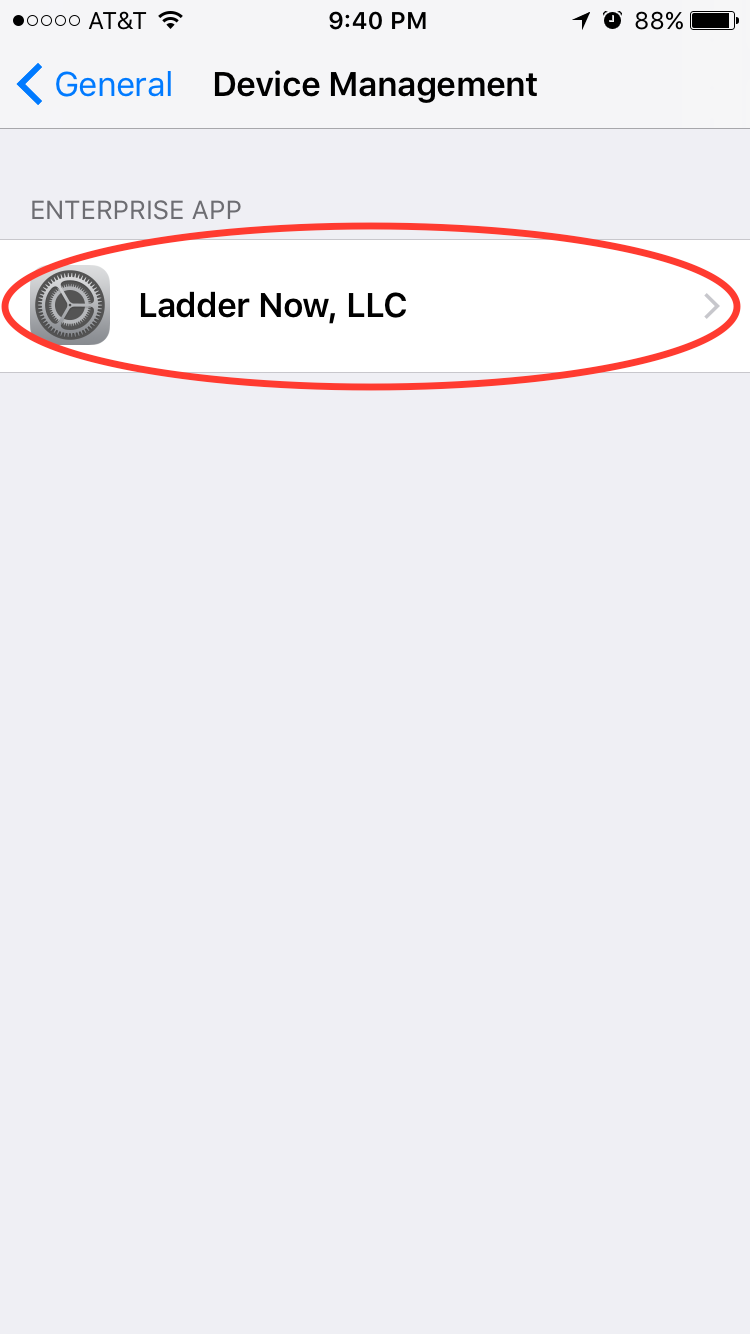
Tap Device Management
Tap "Ladder Now, LLC" in the Enterprise App section
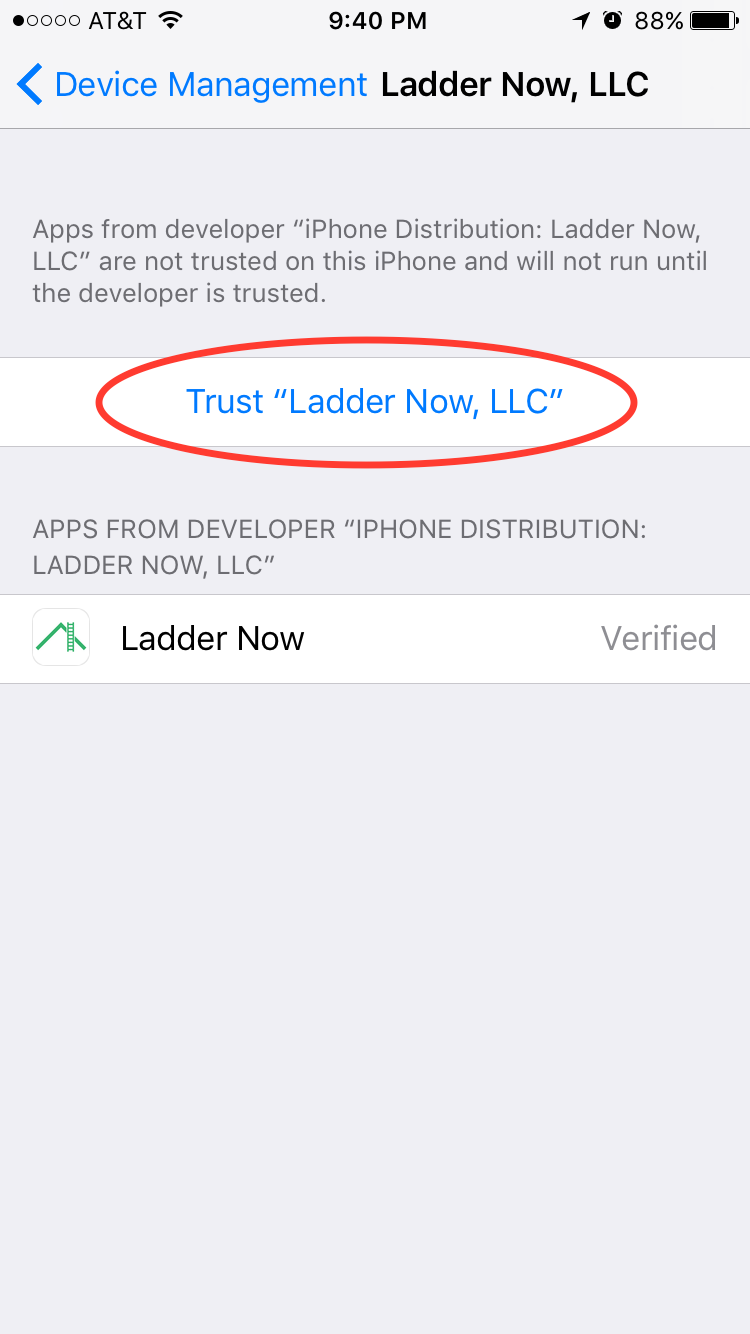
Tap "Trust LadderNow, LLC"
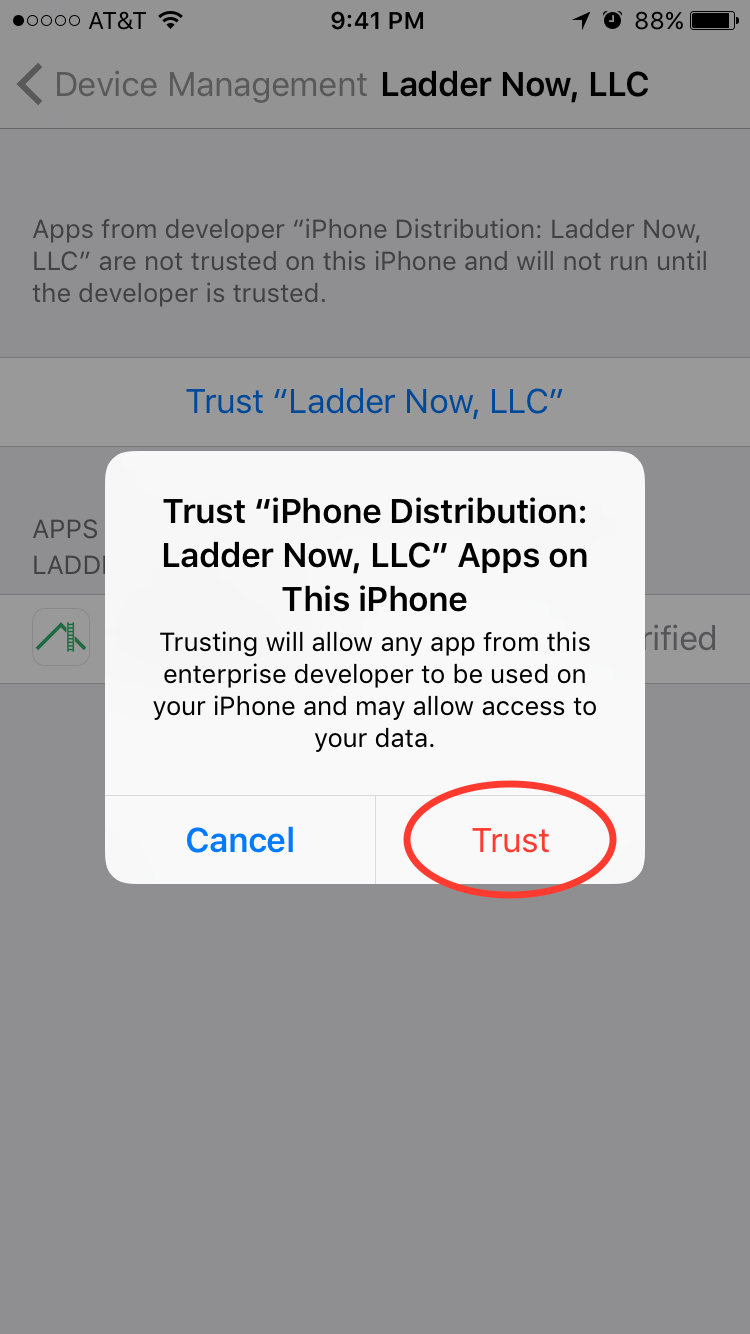
Tap Trust
Android Instructions
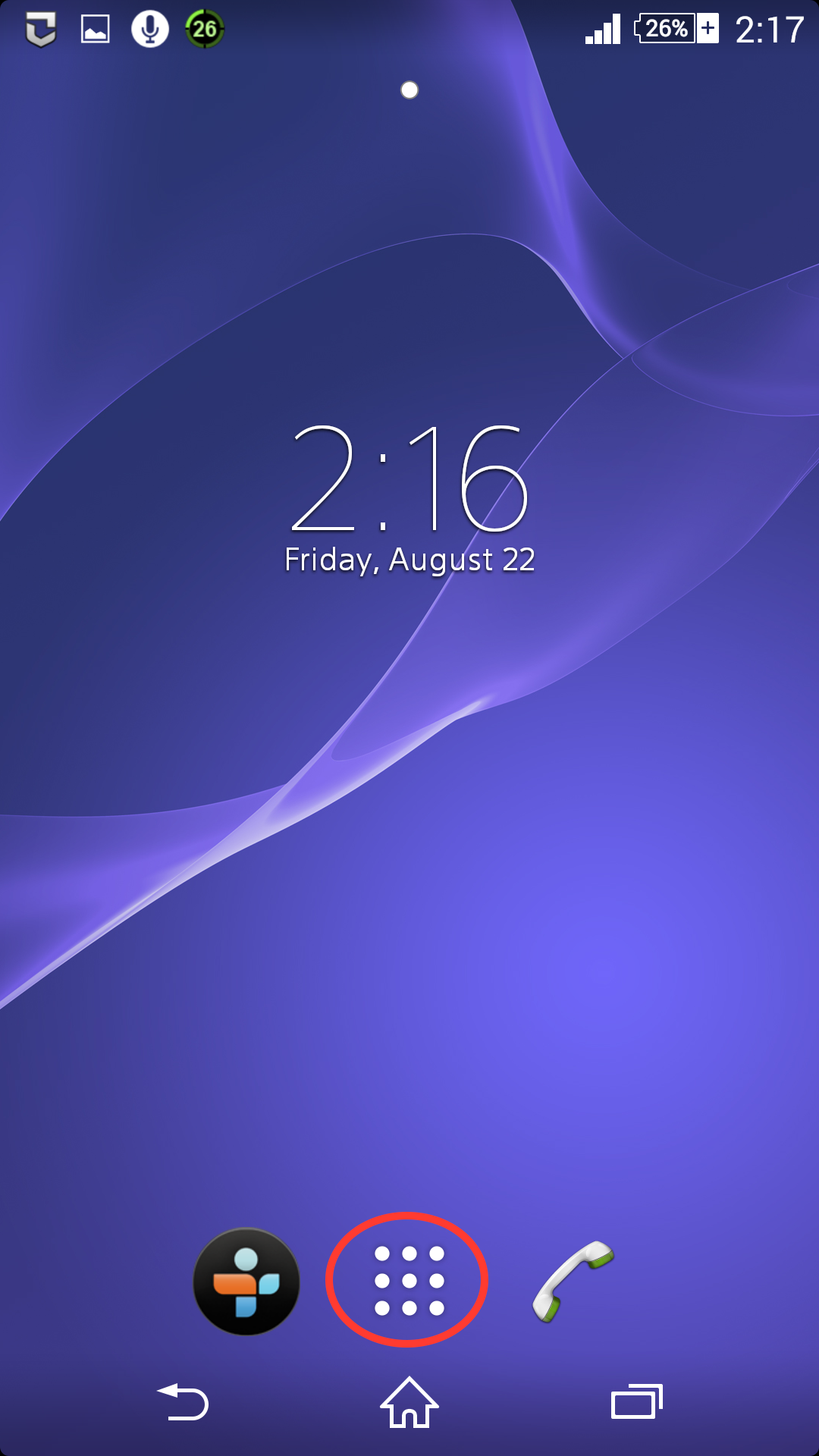
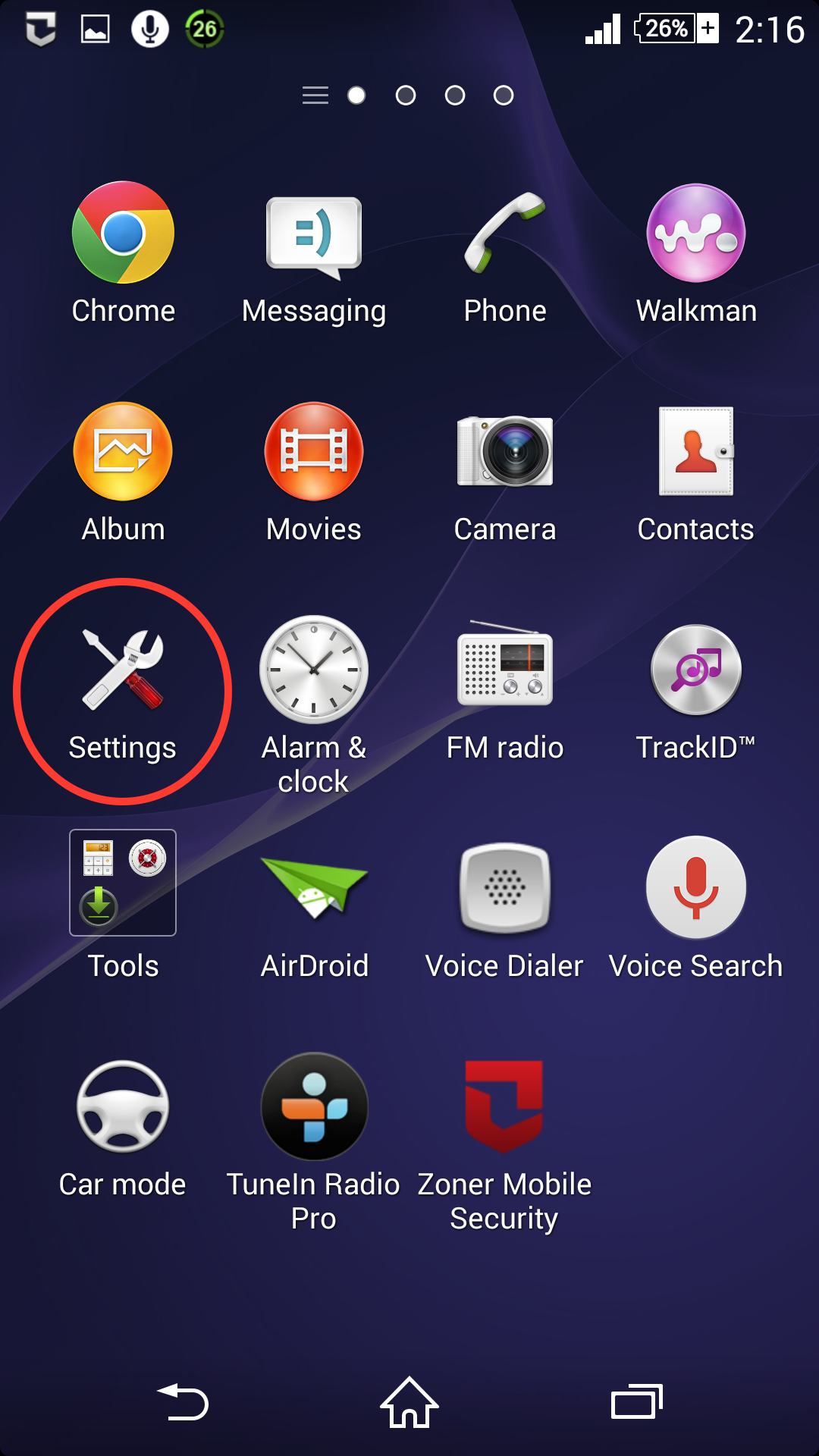
Go to your Home screen and tap the Menu icon to see the apps list
Tap the Settings app
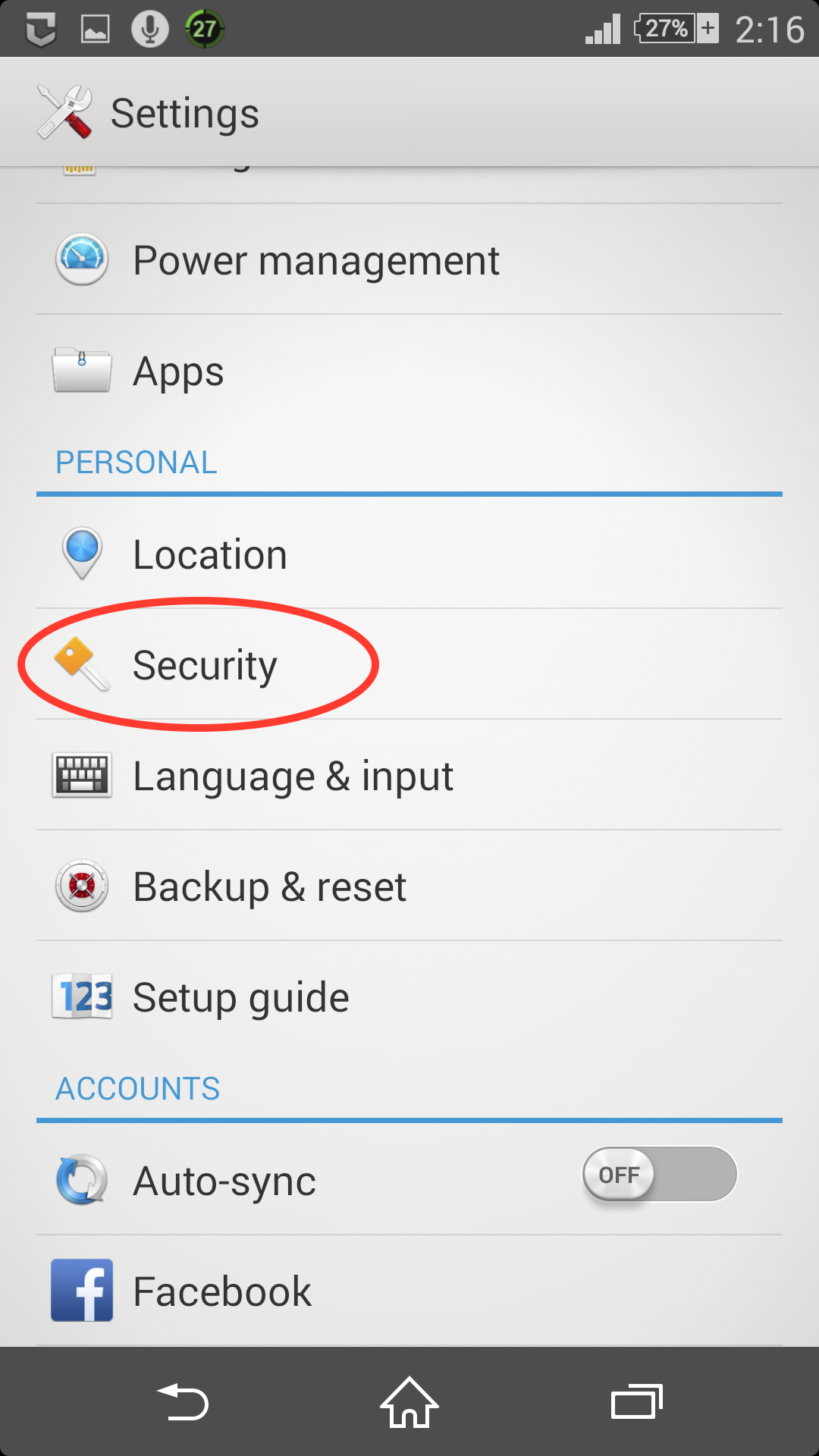
Tap the Security section
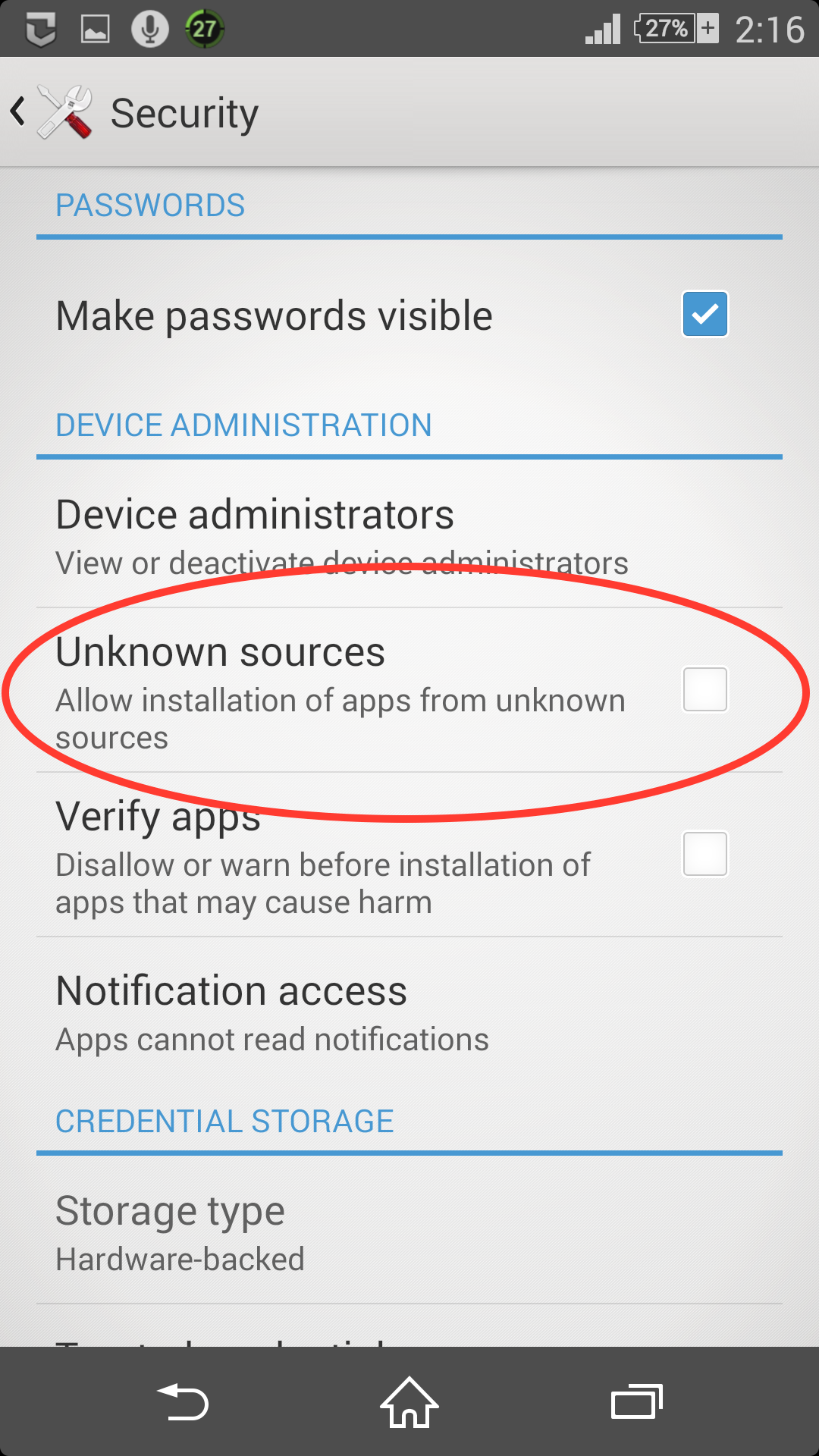
Check the checkbox next to Unknown Sources
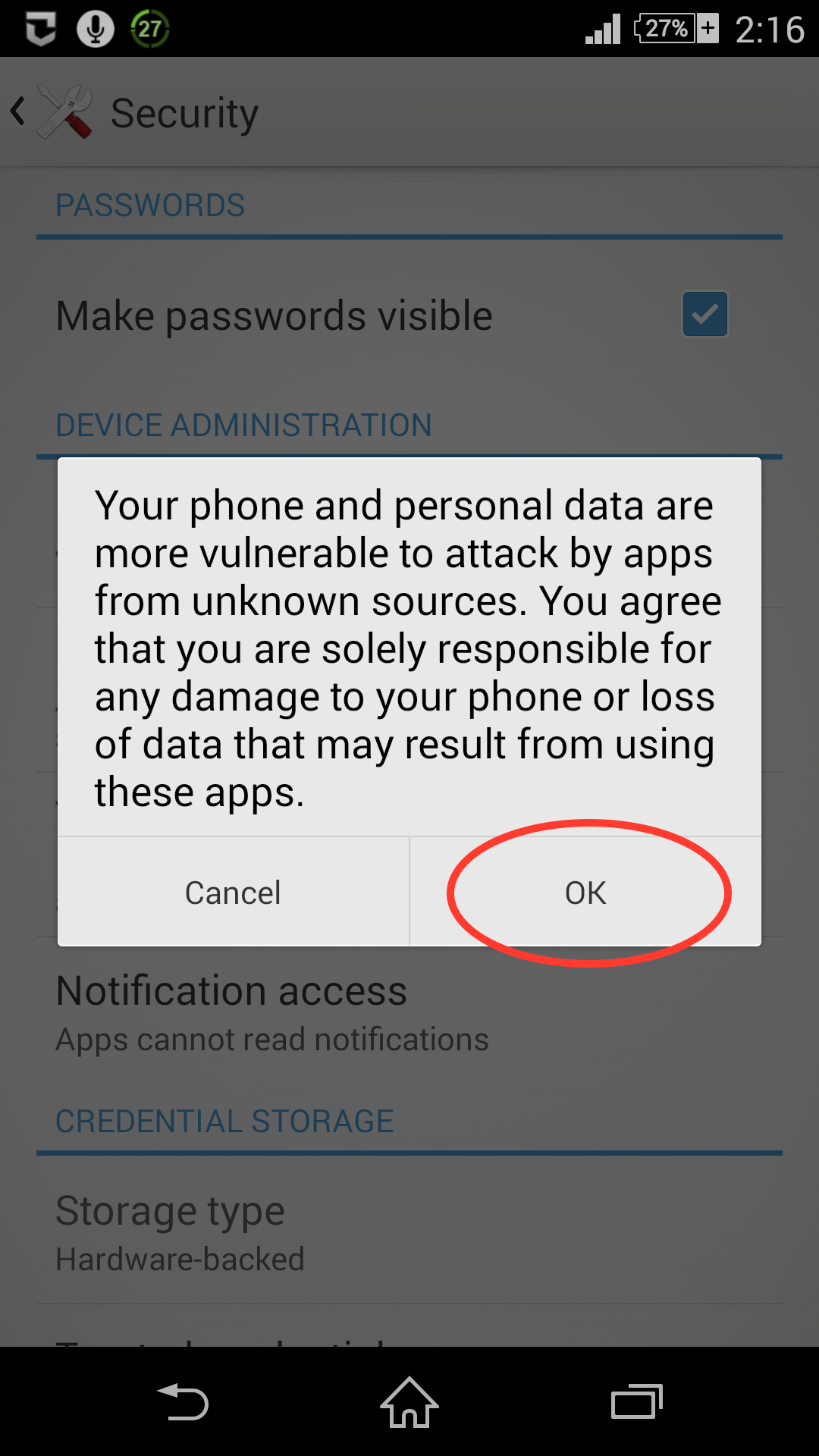
Tap Ok to allow the LadderNow app